Temfy: AI Comic & Manga Maker · iPhone
Your story, drawn as a comic
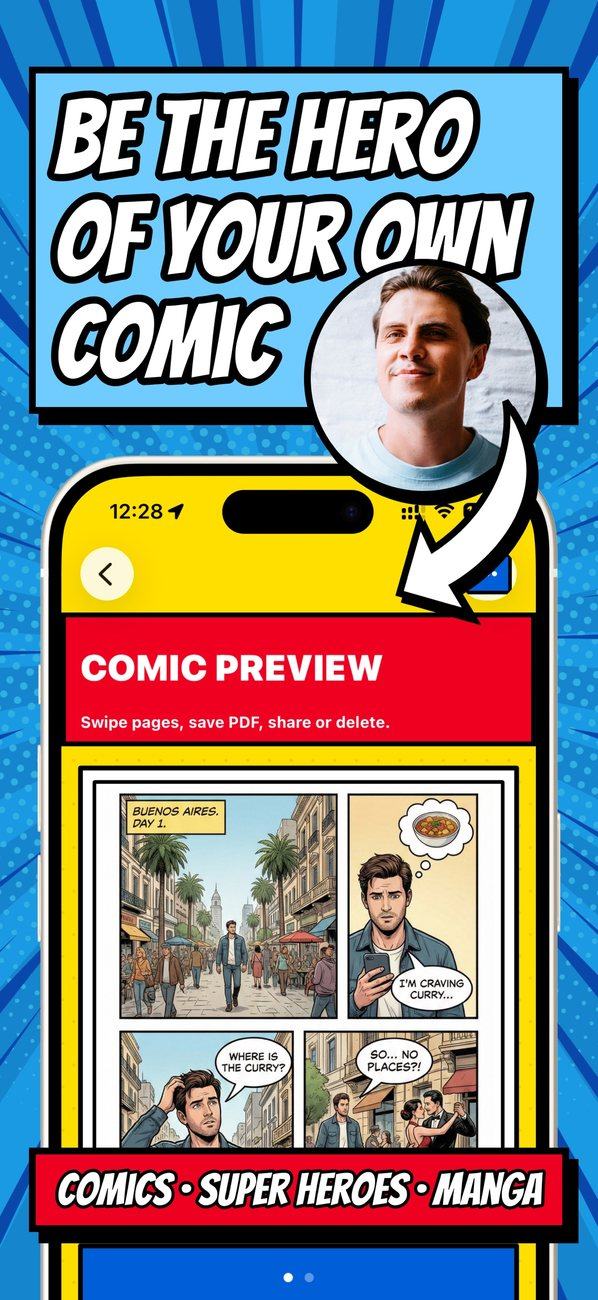
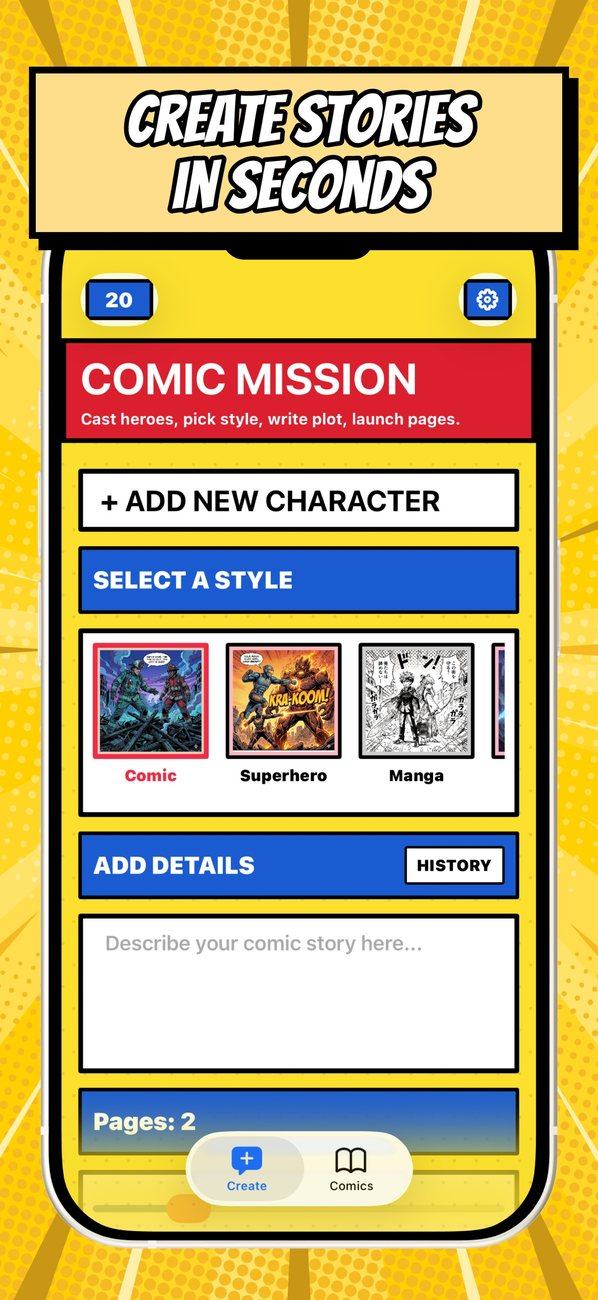
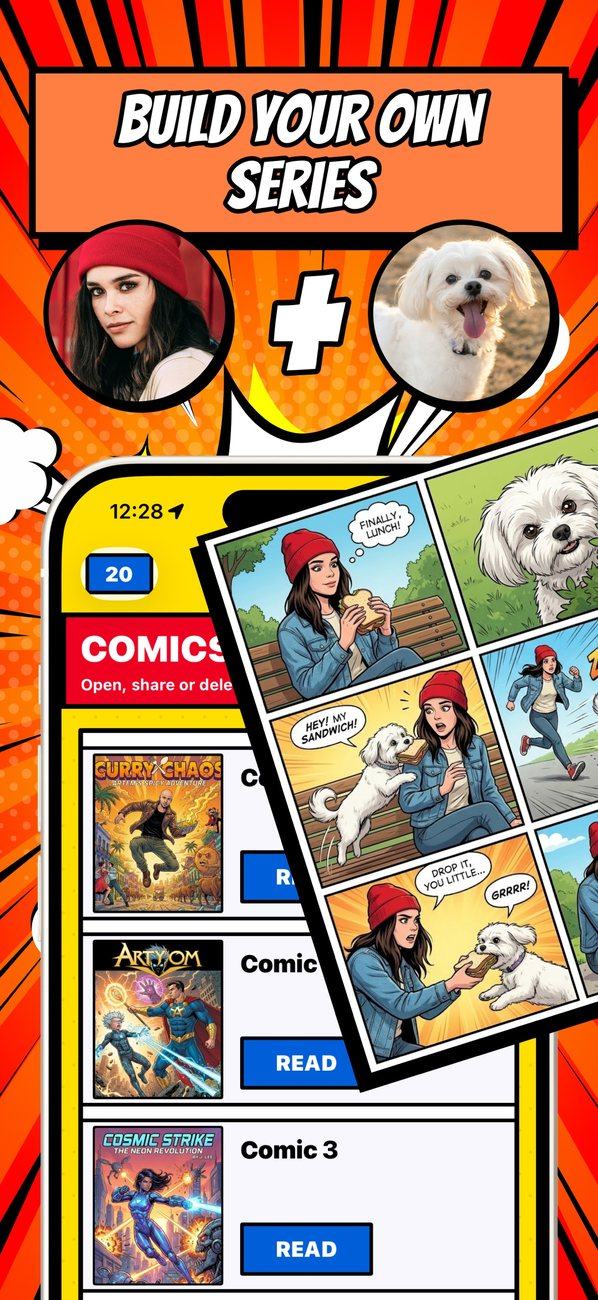
Describe the plot in a couple of sentences or pick a ready-made idea, add photos of your heroes and choose a style — manga, webtoon, anime, superhero. AI draws a titled cover and pages with panels and speech bubbles, and you save the comic as a PDF or a Stories video and share it with friends. No drawing skills needed, and your first page is free.
12 styles, one story
The same story looks completely different in each style — pick the one that fits its mood, and if you change your mind, redraw the comic in another.
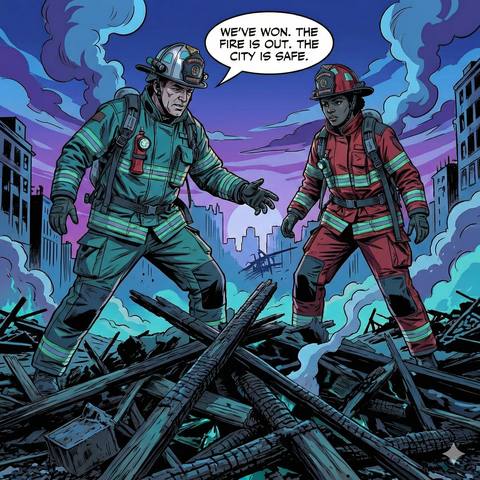
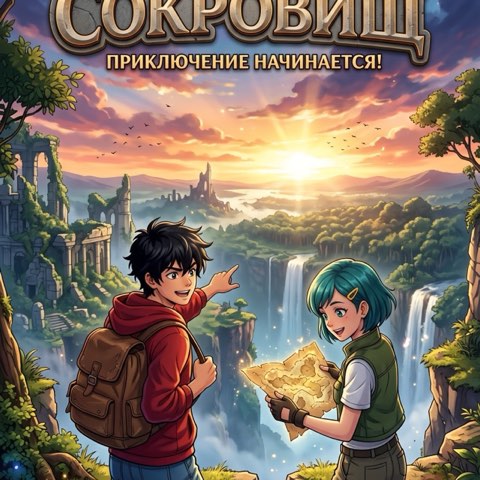
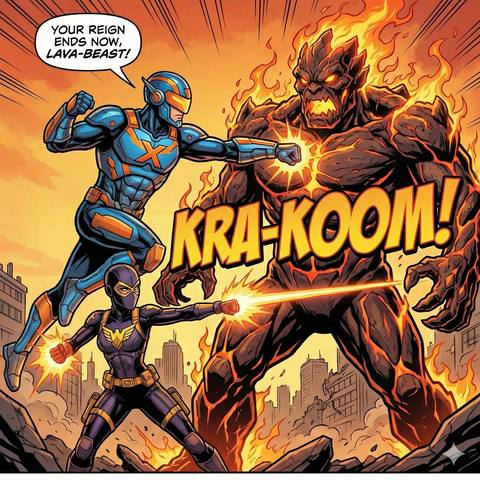
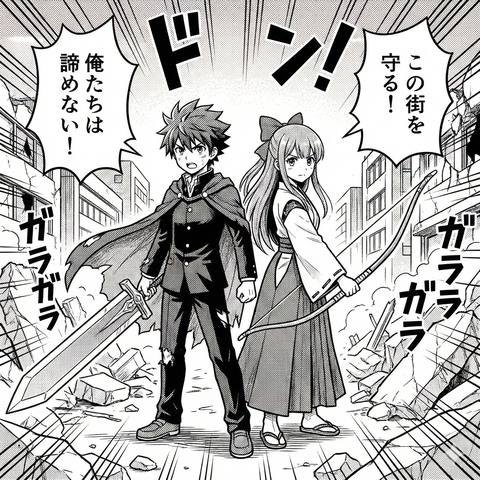
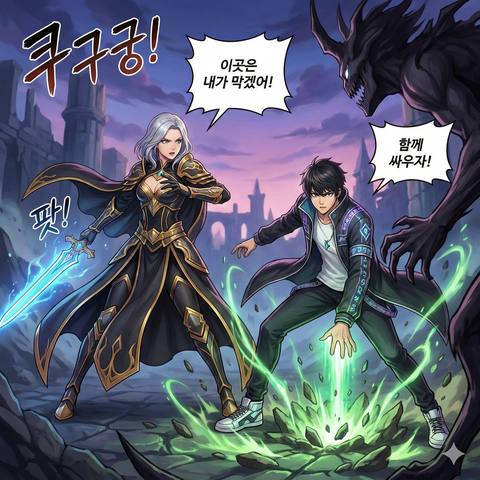
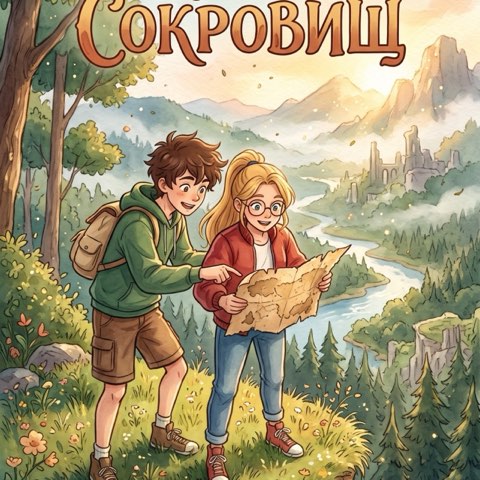

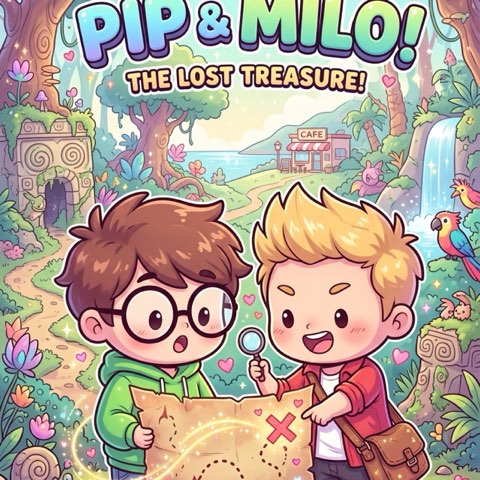
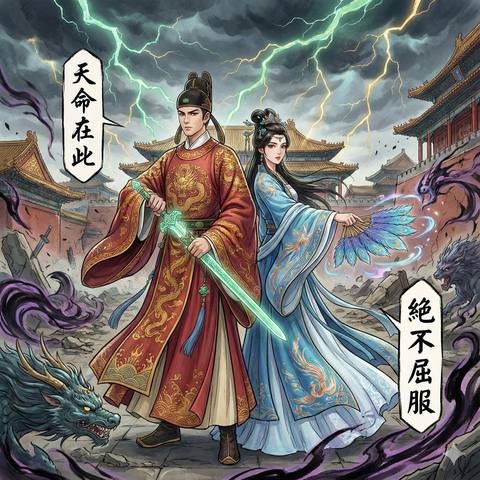
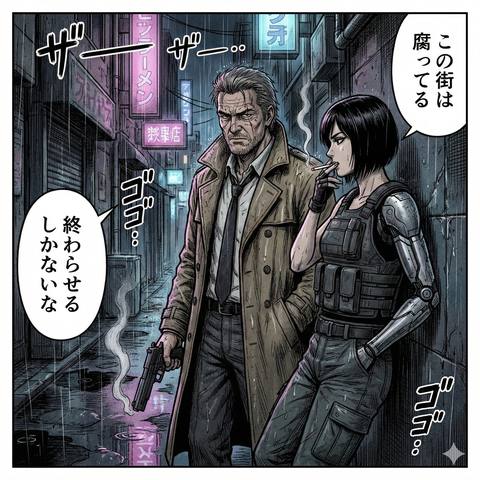


Style covers from the app
Three steps to your own comic
You come up with the plot — AI takes care of the layout, the art and the dialogue.
Add your heroes
Upload a photo — yours, a friend’s or your pet’s. A clear front portrait keeps the hero recognizable on every page.
Describe the story
A couple of sentences about the plot, or a ready-made idea — a birthday, a trip, a pet hero. Then a style and the number of pages, from one to six.
Get your comic
A titled cover and pages of 6 panels each, with speech bubbles and “BOOM!” effects. You get a notification when it’s ready.
Features
Everything to tell a story in pictures — no drawing skills required.
AI lays the plot out along a story arc instead of just drawing pictures.
- 1SetupMeet the heroes and their world
- 2Inciting incidentSomething changes everything
- 3Rising actionThe obstacles grow
- 4ClimaxThe big showdown
- 5Falling actionThe dust settles
- 6ResolutionHow it all ends
12 styles
Comic, superhero, manga, webtoon, anime, cozy anime, chibi, 3D cartoon, noir, kids book, wuxia and dark manga.
A hero with your face
Up to four heroes with photos per comic: AI keeps them looking the same from panel to panel.
Edit with words
Not happy with a page? Say what to change — “make the cat ginger”, “add rain” — and it’s redrawn.
Continue the story
New pages are added to the end of the same comic, with the same heroes.
Another style
Redraw the whole comic in a different style — say, from manga to noir.
A proper story arc
Pages are built like a real story, with a setup, a climax and a resolution.
Dialogue in your language
Speech bubbles and sound effects come in the language you wrote the story in.
Draws in the background
About a minute per page. Close the app if you like — a notification tells you when it’s done.
PDF, images and Stories
All your comics live in the library: save them as PDF, share pages as images or as a vertical video for Stories.
AI Comics Maker FAQ
What is this app?
An iPhone app that draws comics with AI: you describe a story, add photos of your heroes and pick a style, and the app creates a cover and pages with panels and speech bubbles. On the App Store it is called Temfy: AI Comic & Manga Maker (formerly AI Comics Maker: Manga & More); the seller is ART APP LTD.
Do I need to know how to draw?
No. AI handles the layout, the art, the dialogue and the sound effects — all you bring is the plot, the heroes and the style.
How much does it cost?
The app is free to download and your first page is free; after that, comic pages are drawn for credits: one page costs 15 credits. Credits come with a Premium subscription — for every paid period (300 a week, 1,200 a month, 3,000 a year), and Premium also unlocks comics longer than 2 pages — and with credit packs, which are one-time purchases. You can buy them in the app through the App Store or on our website; a website purchase shows up in the app after you sign in with the same Apple ID: Settings → “Sign in with Apple”. Credits never expire, and if a page fails because of an error, its credits are refunded.
How long does a comic take?
About a minute per page. You can close the app — generation keeps going, and you get a notification when the comic is ready.
Can I fix a finished page?
Yes. Describe the change in words — for example, “make the cat ginger” or “add rain” — and the page is redrawn with it. You can also add more pages to the end of the same comic or redraw the whole comic in another style. New and redrawn pages are drawn for credits too.
What happens to my photos?
To draw your heroes, the photos and the story text are sent to an image generation service (Google Gemini); the app asks for your consent before the first use. More in the privacy policy.
Is there an Android version?
Not yet — the app is available for iPhone on the App Store only.
How do I cancel?
If you subscribed on the website, on the Manage subscription page after signing in with Apple. If you subscribed in the App Store, on your iPhone: Settings → [your name] → Subscriptions → choose the app and tap Cancel Subscription. Access stays until the end of the paid period, and the credits you already have stay too.