Believe you can and you’re halfway there.
Theodore RooseveltMotivation & Daily Quotes · iPhone
Quotes that set the tone for your day
Wisdom from great minds in a feed you scroll with one swipe. Pick the topics that speak to you, save the best ones to Favorites, get a quote of the day as a notification and keep inspiration on your home screen with a widget.
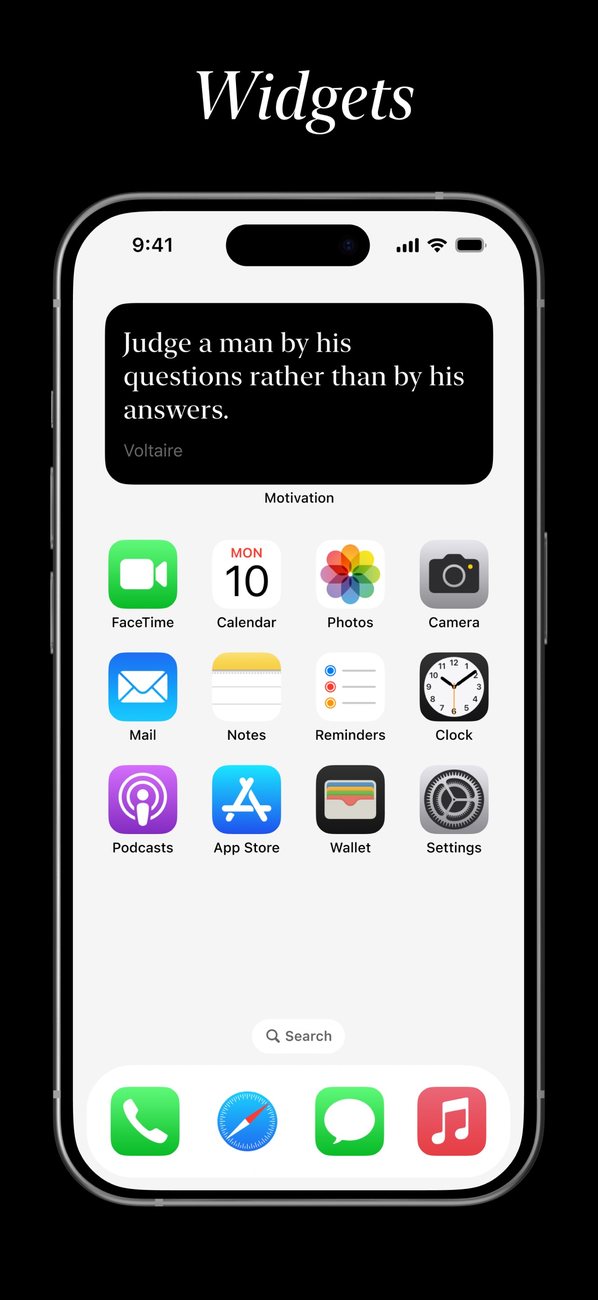
A quote on your home screen
The widget puts a quote right on your home screen. With Premium it changes every hour.
A new widget quote every hour is part of Premium
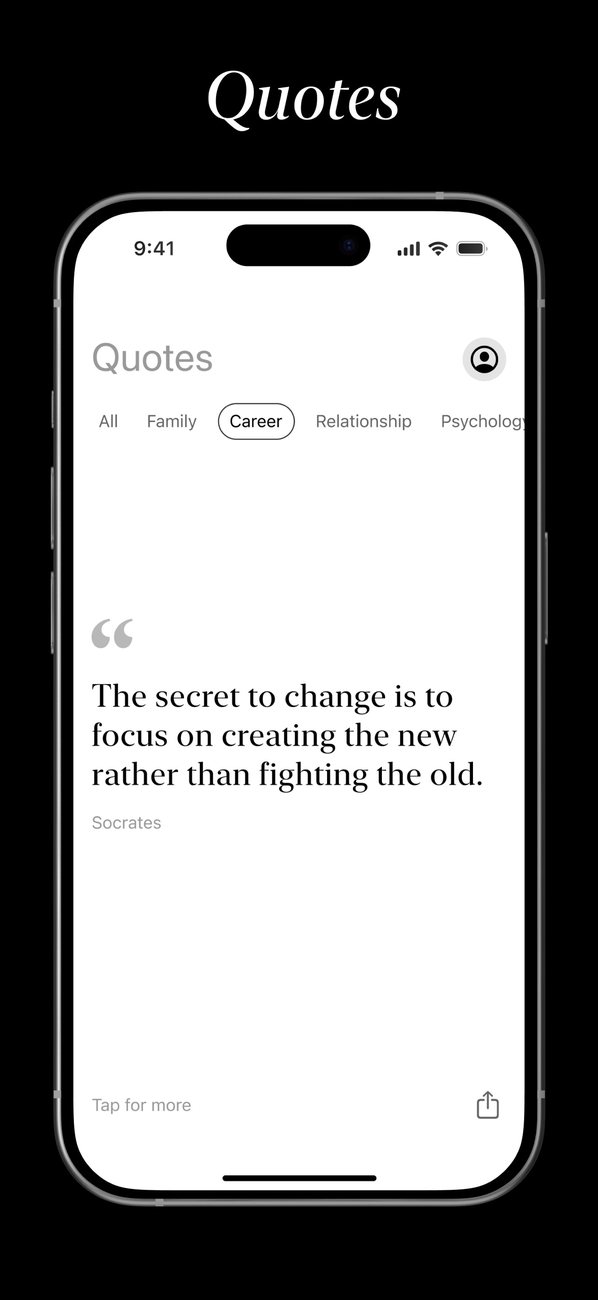
One quote, one swipe
No articles, no long reads: a short thought you can take in between two things.
🎯
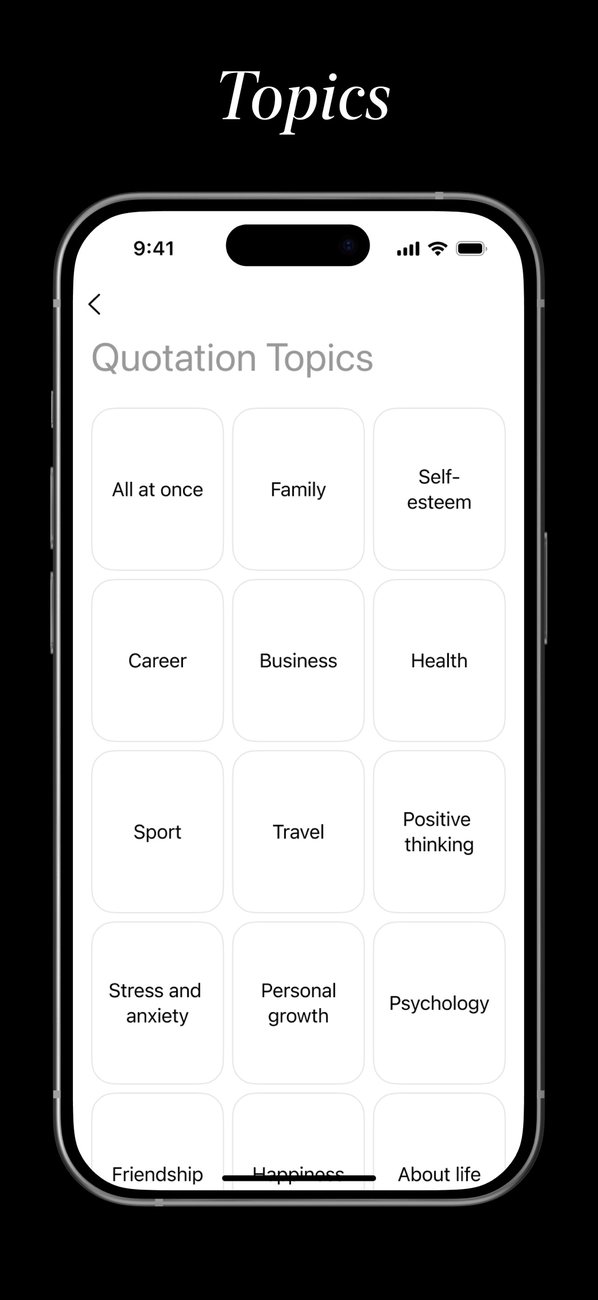
Pick your topics
Confidence, calm, relationships, success — choose what matters to you right now and the feed follows.
👆
Swipe through the feed
Swipe up for the next quote, just like short videos. Love it? Tap the heart and it goes to Favorites.
📱
Add the widget
A quote is always in sight on your home screen, without opening the app.
Features
Everything that keeps inspiration close, every day.
Topics for your mood
Choose what matters right now and the feed will bring quotes on those topics.
Build ConfidenceOvercome self-doubt and stand tall
Find CalmReduce stress and inner noise
Stay MotivatedKeep the fire alive every day
Better RelationshipsConnect deeper with others
Heal & Move OnLet go and open a new chapter
Achieve SuccessTurn your goals into reality
Topics picked: 3
Tap a topic to pick it
📚
Topics for every mood
Quotes are grouped by topic, from self-confidence and calm to relationships and success. Change your topics any time.
❤️
Favorites
Save the quotes that stuck with you and come back to them in their own section.
🔔
Quote of the day
A notification with a fresh quote at the time that suits you — morning, afternoon or evening.
📱
Home screen widget
Small, medium or large, light or dark. With Premium the widget shows a new quote every hour.
↗️
Share
Send a quote with its author to a friend or a chat with a single tap.
🌗
Light and dark mode
A calm design with nothing extra: a classic serif for the quotes, like a good book.
Motivation & Daily Quotes FAQ
What is this app?
An iPhone app with motivational quotes from great minds: a feed built around the topics you pick, Favorites, a quote of the day notification and a home screen widget. The seller on the App Store is TEM APP LTD.
How much does it cost?
The app is free to download. Premium — an unlimited feed, a widget that changes the quote every hour and quotes in notifications — is a subscription bought in the app through the App Store; the price in your local currency is shown before you pay.
How do I add the widget?
Touch and hold an empty spot on your home screen, tap “+” (or Edit → Add Widget), find the app and choose a widget size.
Is there an Android version?
Not yet — the app is available for iPhone on the App Store only.
Do I need an account?
No. Your topics and Favorites stay in the app on your phone; there is nothing to sign up for. More in the privacy policy.
How do I cancel?
On your iPhone: Settings → [your name] → Subscriptions → choose the app and tap Cancel Subscription. Access stays until the end of the paid period.