
Temfy - Daily Budget & Expense · iPhone & Android
See where your money goes
Log spending and income in a couple of taps — the tracker sorts them by category and shows a chart for the day, week, month or year. Cards, cash and crypto in any currency add up to one total balance.
Accounts in any currency
A card in euros, cash in pounds, a little crypto — the total balance is shown right away in your base currency.
Log it and it all makes sense
No spreadsheets: one entry is an amount, a category and an account.
Add an expense
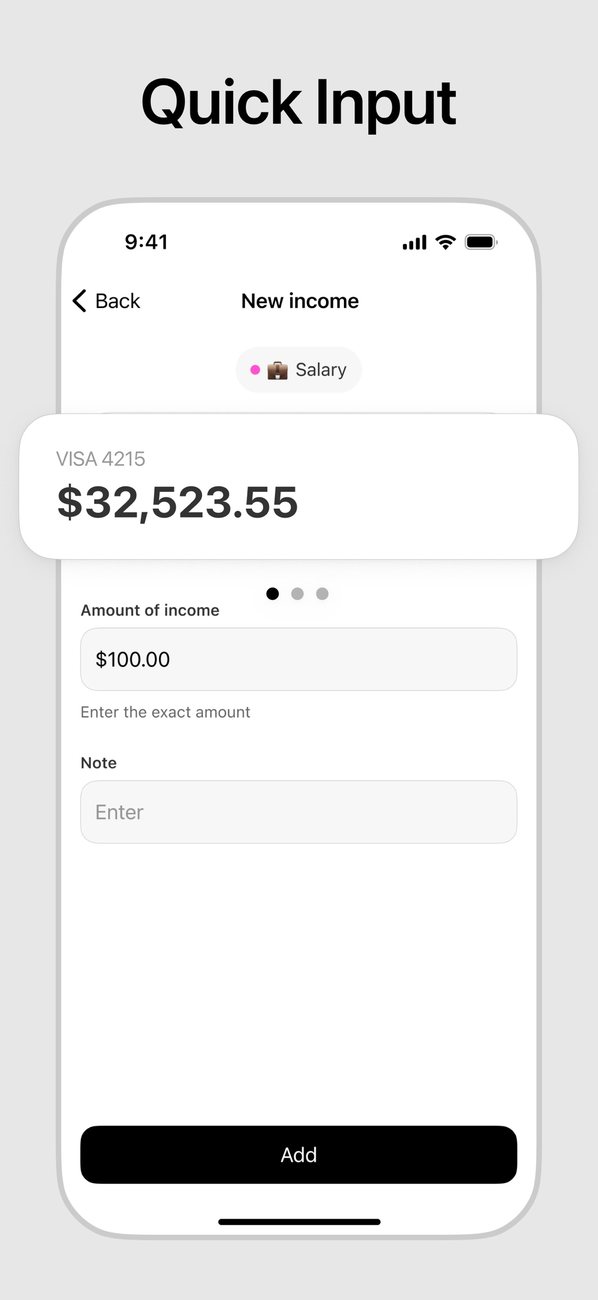
“−” for spending, “+” for income. Pick a category and an account, type the amount and add a note if you like.
Check the chart
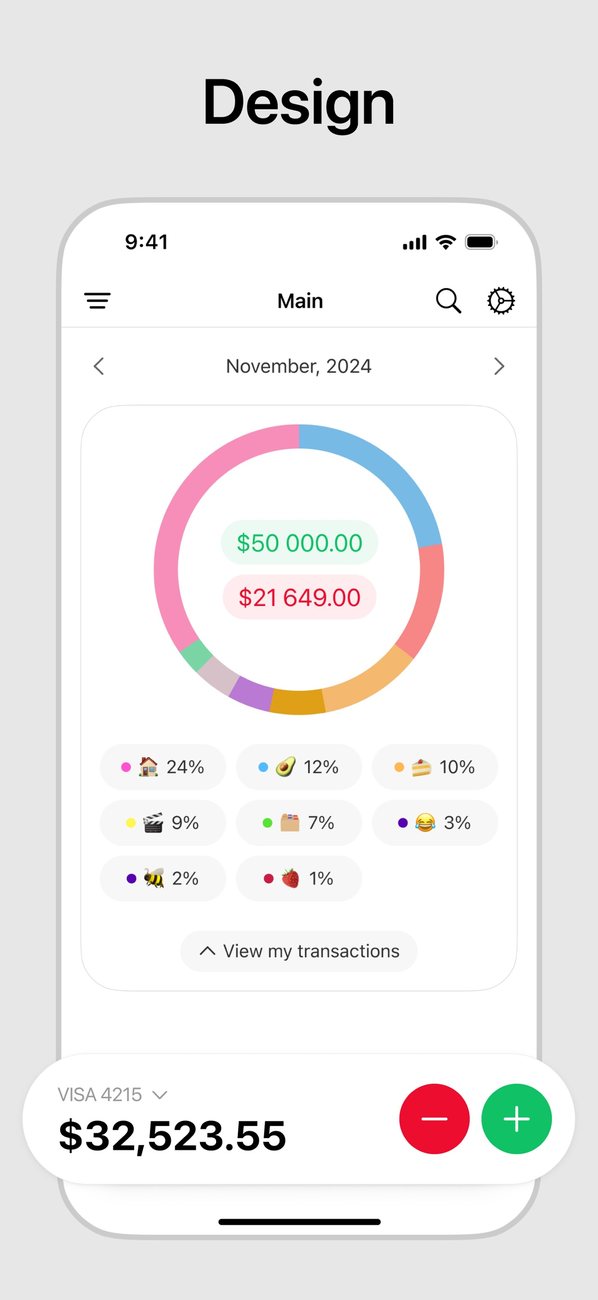
Spending by category with percentages, plus income and expenses for the chosen period, right on the main screen.
Dig into details
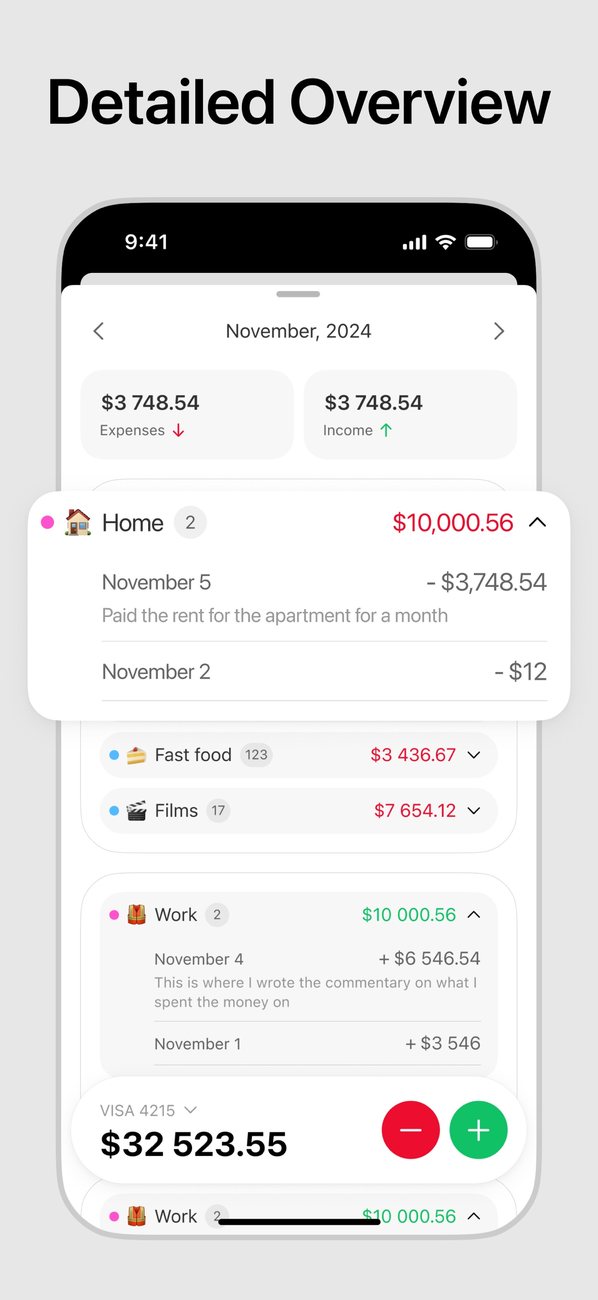
Day-by-day history, search by category, amount or note, and transfers between accounts in their own list.
Features
Everything for a personal budget — and nothing else.
Switch the period and the chart shows how your spending changed.
Tap a period
Any period
Day, week, month, year, all time or a custom range on the calendar — arrows flip to the next period.
Multiple accounts
Bank card, cash, crypto — each account has its own balance, the grand total is on top, and transfers between accounts convert the currency for you.
Any currency
More than 160 currencies: accounts in different currencies are converted to your base currency at the current rate.
Your own categories
An emoji, a name and a colour — categories that fit your spending, not someone else’s template.
Shared budget
Invite up to 4 people with a link or code — transactions appear for everyone in seconds, and each entry shows who added it. Roles: owner, editor or view only.
iCloud and dark mode
Sync through your own iCloud, with a light, dark or system theme.
Temfy - Daily Budget & Expense FAQ
What is this app?
Temfy - Daily Budget & Expense is an iPhone and Android app for personal finances: you log expenses and income, and the tracker sorts them by category, shows a chart for the period you choose and the balance across all your accounts. The seller on the App Store is TEM APP LTD.
How much does it cost?
The app is free to download and use. Premium — a shared budget, your own categories, accounts in another currency, a different base currency and iCloud sync — is a subscription bought in the app through the App Store; the price in your local currency is shown before you pay.
Can I keep accounts in different currencies?
Yes. There are more than 160 currencies: each account can have its own, and the total balance is converted to your base currency at the current rate.
Can I share a budget with my family?
Yes, with Premium. Create a shared budget and invite up to 4 people with a link or code: transactions appear for everyone in seconds, and each entry shows who added it. Members can be editors or view only, and any account can be moved to the shared budget and back.
Do I need an account?
No. Without an account your entries stay on your phone and sync through your own iCloud. Signing in with Apple, Google or email is only needed for the shared budget, and you can delete the account right in the app. More in the privacy policy.
Is there an Android version?
Yes. The Android version installs from the website as an APK, no Google Play needed: Daily Budget & Expense for Android (Android 8.0 or newer). On Android, Premium is bought on the website, and the app finds the purchase after you sign in with Google.
How do I cancel?
On your iPhone: Settings → [your name] → Subscriptions → choose the app and tap Cancel Subscription. Access stays until the end of the paid period.